Intelligence assessment
On 8 April 2025, Microsoft reported exploitation of CVE-2025-29824 in activity involving Storm-2460, PipeMagic, and RansomEXX ransomware. The flaw was used after initial compromise. Microsoft’s investigation had not established the initial access method. These are historical campaign observations, not evidence of a new ransomware wave in November 2026. Microsoft threat report.
The defensive priority has two parts: remove the local privilege-escalation opportunity and investigate how the attacker obtained execution before using it. Patching CLFS does not remove a backdoor, undo credential theft, or prove that lateral movement stopped. The operational steps below are a recommended response procedure, reviewed against documentation rather than tested against an exploit.
Affected scope and the important exclusion trap
MSRC describes a use-after-free flaw in the Windows Common Log File System driver that allows an authorized attacker to elevate locally to SYSTEM. Its affected-product inventory spans multiple Windows client and server releases, including Windows 11 24H2 and Windows Server 2025. Use each device’s exact edition, version, architecture, and servicing channel to select the applicable remediation. A product-family label alone cannot identify the right update. MSRC advisory.
Microsoft reported that Windows 11 24H2 was not affected by the observed exploitation, even though the vulnerability was present. That is an exploit-chain limitation, not a blanket statement that 24H2 does not need the fix. Do not convert a campaign observation into a product exclusion. Observed-exploitation limitation.
Non-Windows systems do not run this Windows driver, although they may still hold data or identities exposed by a wider incident. A Windows endpoint lacking a matching security alert is not necessarily unaffected. Confirm both inventory coverage and patch evidence.
Mechanism and the defensive boundary
The vulnerability allows attacker-controlled local activity to cross from a less privileged process into kernel-backed authority. SYSTEM privileges can give an intruder access well beyond the original user’s permissions. The security boundary under examination is therefore local execution to elevated control, rather than an internet request directly reaching a remote service.
Treat exploit prevention, credential protection, application control, and ransomware recovery as separate controls. Restricting local administrator membership is still useful, but the reported chain specifically used an elevation opportunity. A policy against ordinary users being administrators is not proof that the vulnerability cannot be reached.
Ordered hardening plan
- Find the complete Windows estate. Reconcile endpoint management, vulnerability inventory, server ownership, and network discovery. Include rarely connected laptops, recovery hosts, image templates, and unmanaged devices. For each device, retain its last observation time; a stale asset should not inherit the state of a current one.
- Select the current applicable fix. Check the MSRC product row and the supported Windows update path. The advisory first appeared on 8 April 2025; its 9 April revision announced availability for the specifically named original Windows 10 x86/x64 product rows. Do not claim every affected release received its update on the same day. Microsoft advisory revision data.
- Verify installation, not scheduling. Confirm the resulting OS build, required reboot, scan freshness, and applicable supersedence. A historical KB missing from an installed-update list may have been superseded; a queued update may not be effective. Escalate unsupported systems to migration or isolation with an owner and deadline.
- Protect security controls. Validate endpoint onboarding, real-time and cloud-delivered protection, behavioral detection, and effective tamper protection. Microsoft documents that some blocked configuration changes can appear successful to management tools, so confirm the device’s resulting state. Additional controlled-configuration protections need their own policy; a renamed setting does not automatically enable them. Tamper protection behavior.
- Limit post-compromise reach. Separate privileged administration, review remote access paths and local credential reuse, and reduce unnecessary execution permissions. Pilot restrictive policies against legitimate workloads before broad enforcement. These are layered defenses, not substitutes for the CLFS update.
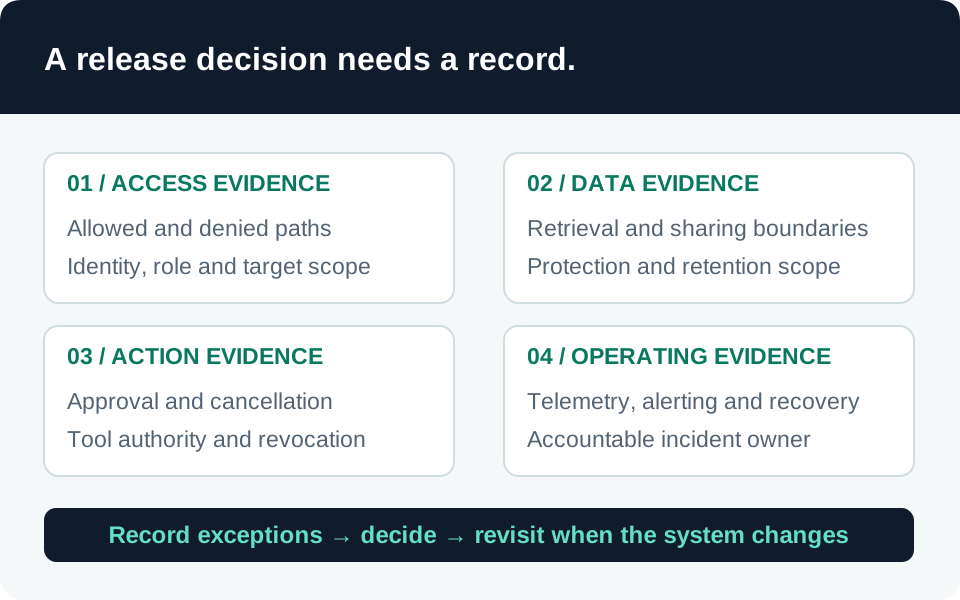
- Prove recovery readiness. Test restoration from protected backups using an isolated recovery environment. Verify the restored OS and application state before allowing access to production identities or networks. Keep evidence of the recovery test, not just a successful backup job.
Investigation: evidence before attribution
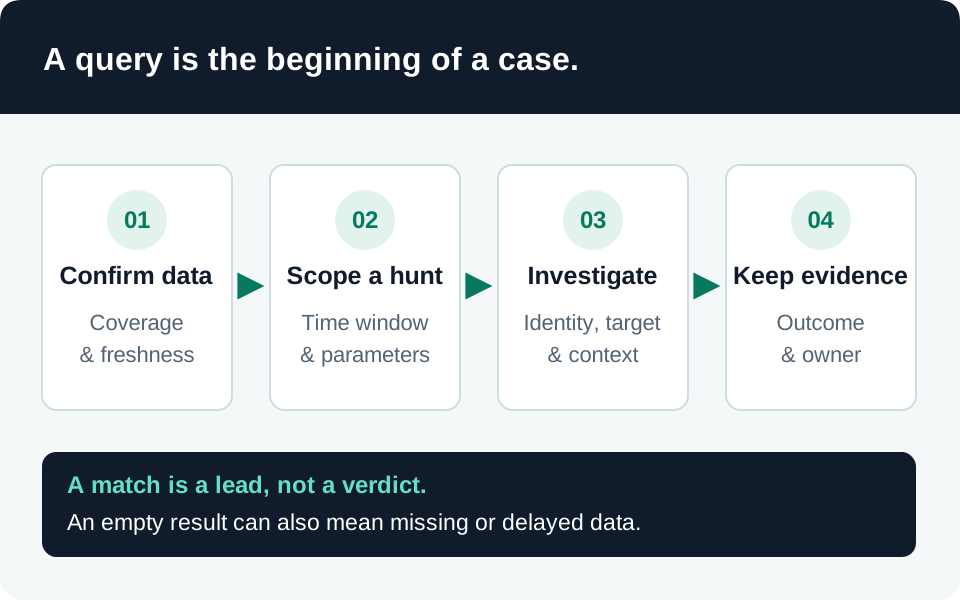
Build a host-centered timeline from initial suspicious execution through elevation, credential access, remote activity, and encryption preparation. Microsoft’s report supplies campaign-specific artifacts and hunting ideas, but normal applications also create CLFS logs. A .blf extension by itself is not a malware verdict. Published investigation material.
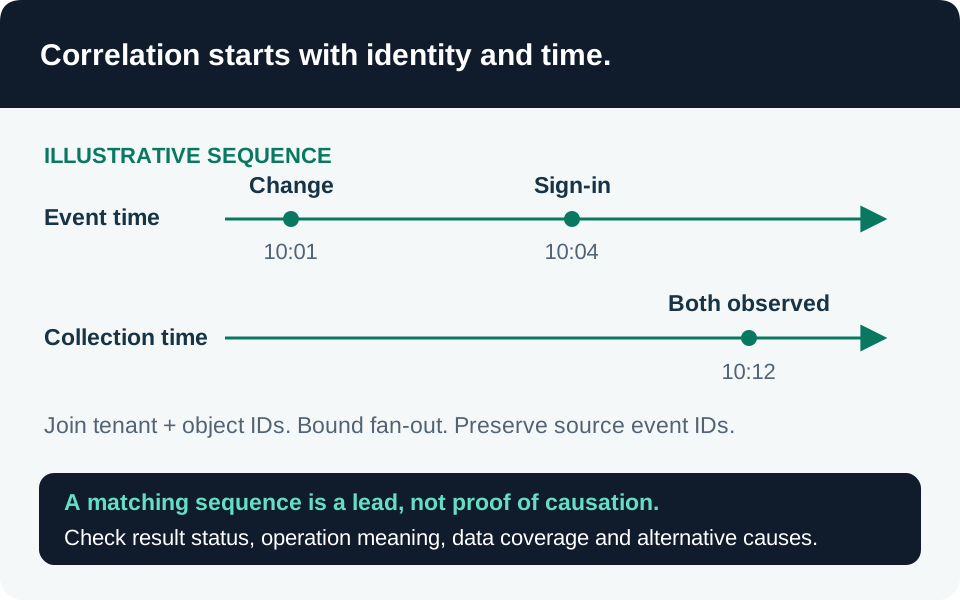
Capture process ancestry, user context, file creation, network connections, security-tool changes, and remote logons where available. Preserve original records and collection details. Separate facts from hypotheses: a suspicious process running as SYSTEM may justify containment without proving which elevation vulnerability was used.
Inspect the exact CVE value in any copied exposure query. At review, the Microsoft campaign article’s exposure-query example contains CVE-2025-29814, while this case and its advisory concern CVE-2025-29824. Correct that mismatch when assessing this vulnerability; do not silently reuse the wrong identifier. An exposure query still identifies potentially vulnerable assets, not exploitation.
The linked security-alert triage and ingestion-source silence queries provide supporting context only. They are not CLFS or RansomEXX signatures. Confirm whether Defender advanced-hunting telemetry is available in the selected environment; Sentinel alert records alone do not reproduce complete endpoint process history. Use Microsoft’s broader ransomware detection playbook to expand investigation beyond one CVE.
Containment and recovery
If compromise is suspected, isolate affected devices while preserving them for analysis. Coordinate containment and investigation in parallel, protect recovery infrastructure, and establish incident communications that do not depend on compromised systems. Evaluate exposed accounts and active remote access rather than waiting for encryption to finish. Microsoft ransomware response playbook.
Recovery should remove the original foothold and persistence, rebuild systems whose integrity cannot be established, rotate affected credentials, and verify restoration. Bring systems back in stages with monitoring present. Assign a separate owner to confirm that other devices sharing the same image, credentials, or management path were examined.
Verification matrix
| Question | Required evidence | Common false assurance |
|---|---|---|
| Is the device in scope? | Exact OS/architecture and current MSRC comparison | Windows 11 24H2 assumed immune |
| Is remediation effective? | Applicable current build, restart, fresh inventory | Deployment job merely started |
| Is monitoring trustworthy? | Recent endpoint records and effective protection state | Agent listed but silent |
| Is the earlier foothold removed? | Documented initial-access investigation or stated gap | CLFS patch installed |
| Can operations recover? | Isolated restoration test with integrity checks | Backup completion email |
Dated timeline
| Date | Verified development |
|---|---|
| 8 April 2025 | Microsoft disclosed CVE-2025-29824 and reported observed ransomware-linked exploitation. |
| 9 April 2025 | MSRC revised availability for the original Windows 10 x86/x64 product rows. |
| 13 November 2026 | This documentation review checked the advisory and current defensive guidance. |
The observed campaign date remains April 2025. Refresh the dossier when Microsoft revises applicability or new primary reporting changes the assessment.
Trace the evidence